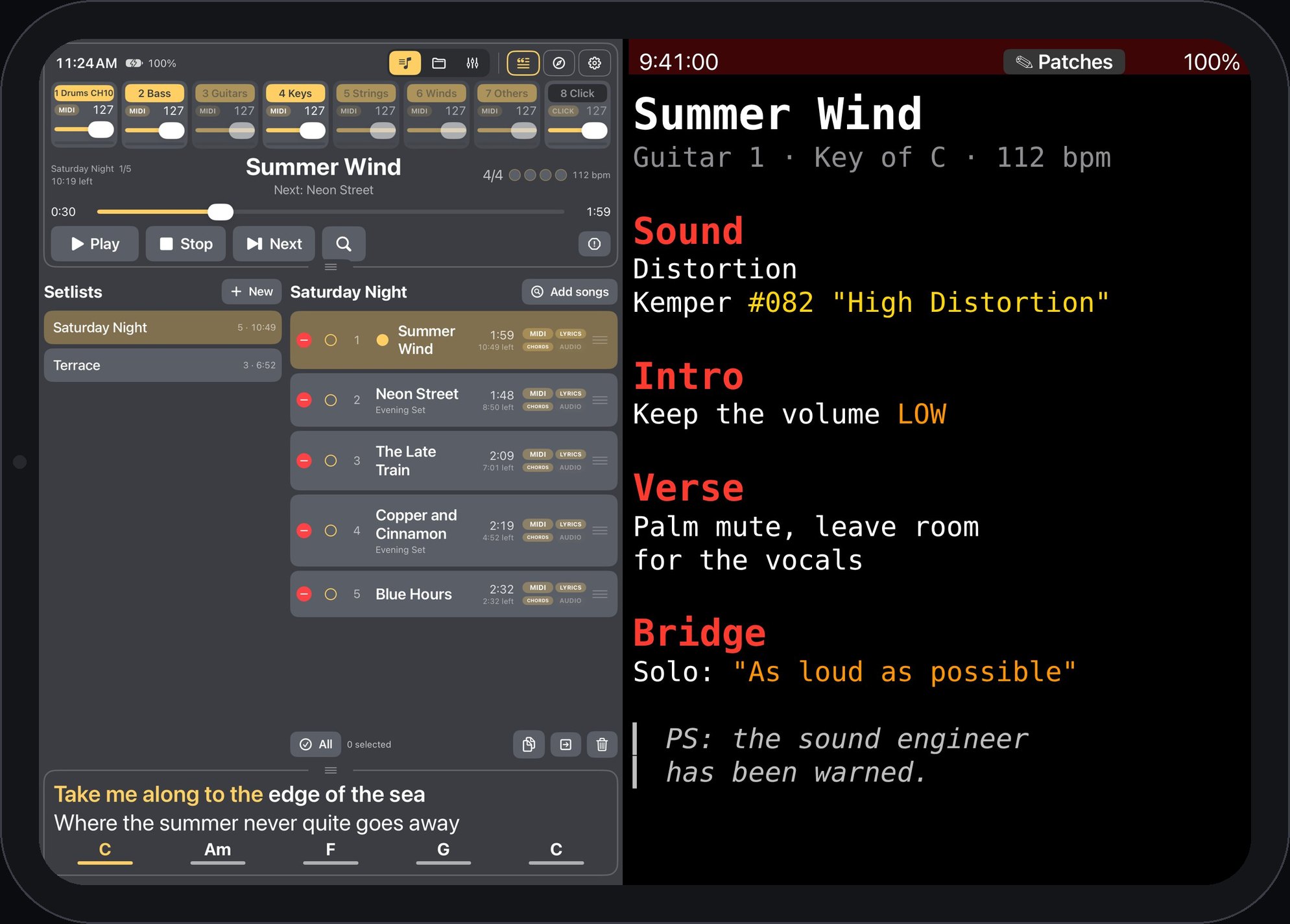
Merik plays your backing tracks, runs your setlist and puts lyrics, chords and sheet music in front of every musician on stage. Pick a song once, and the rest follows.
No account, no cloud and no subscription. The apps find each other on your own network.
Pick the song
Choose the next song in Merik on the iPad or the Mac, or in Merik Studio on the laptop.
The band sees it
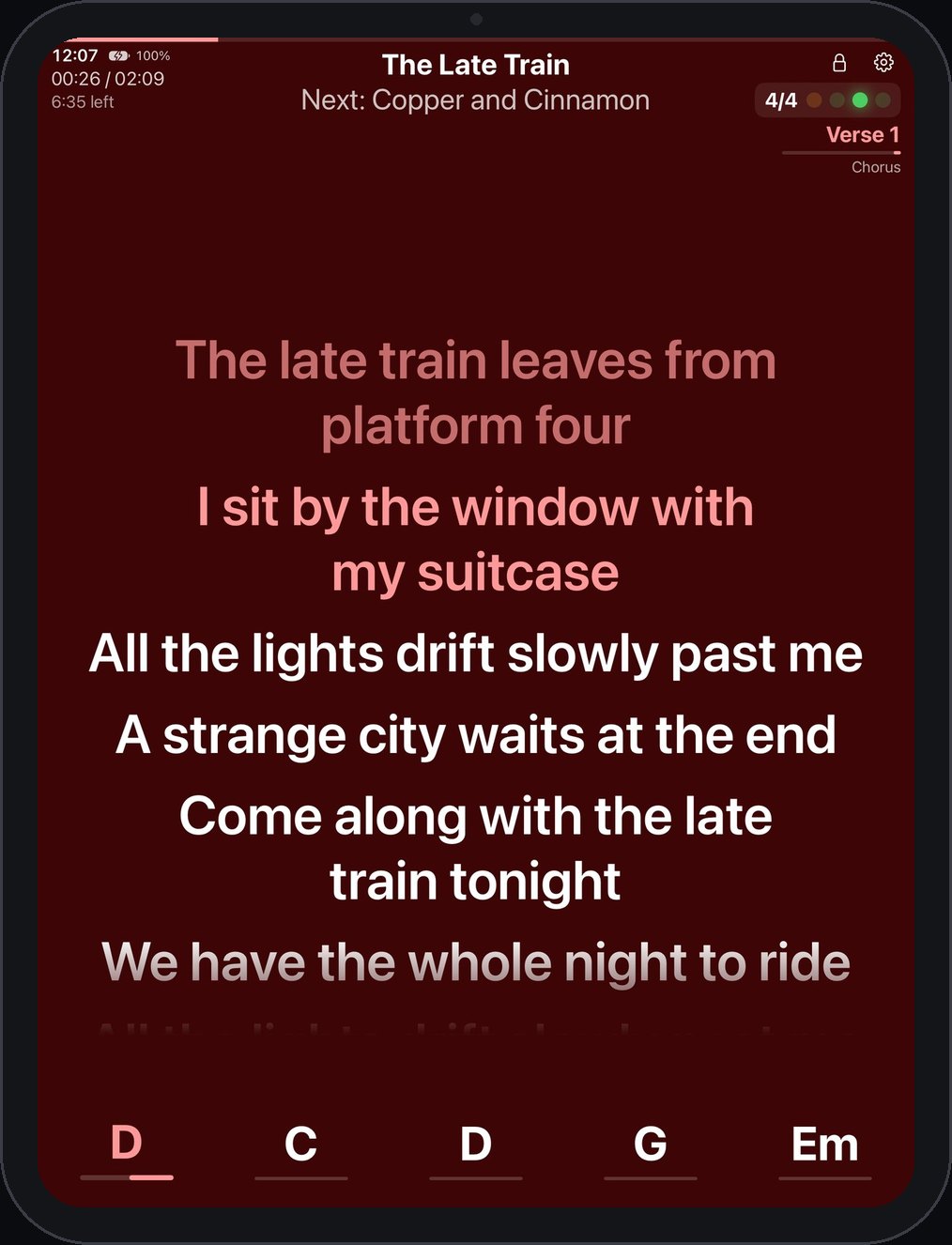
Every phone and tablet shows the lyrics, chords, section and beat, in a browser or in Merik Viewer.
The sheet follows
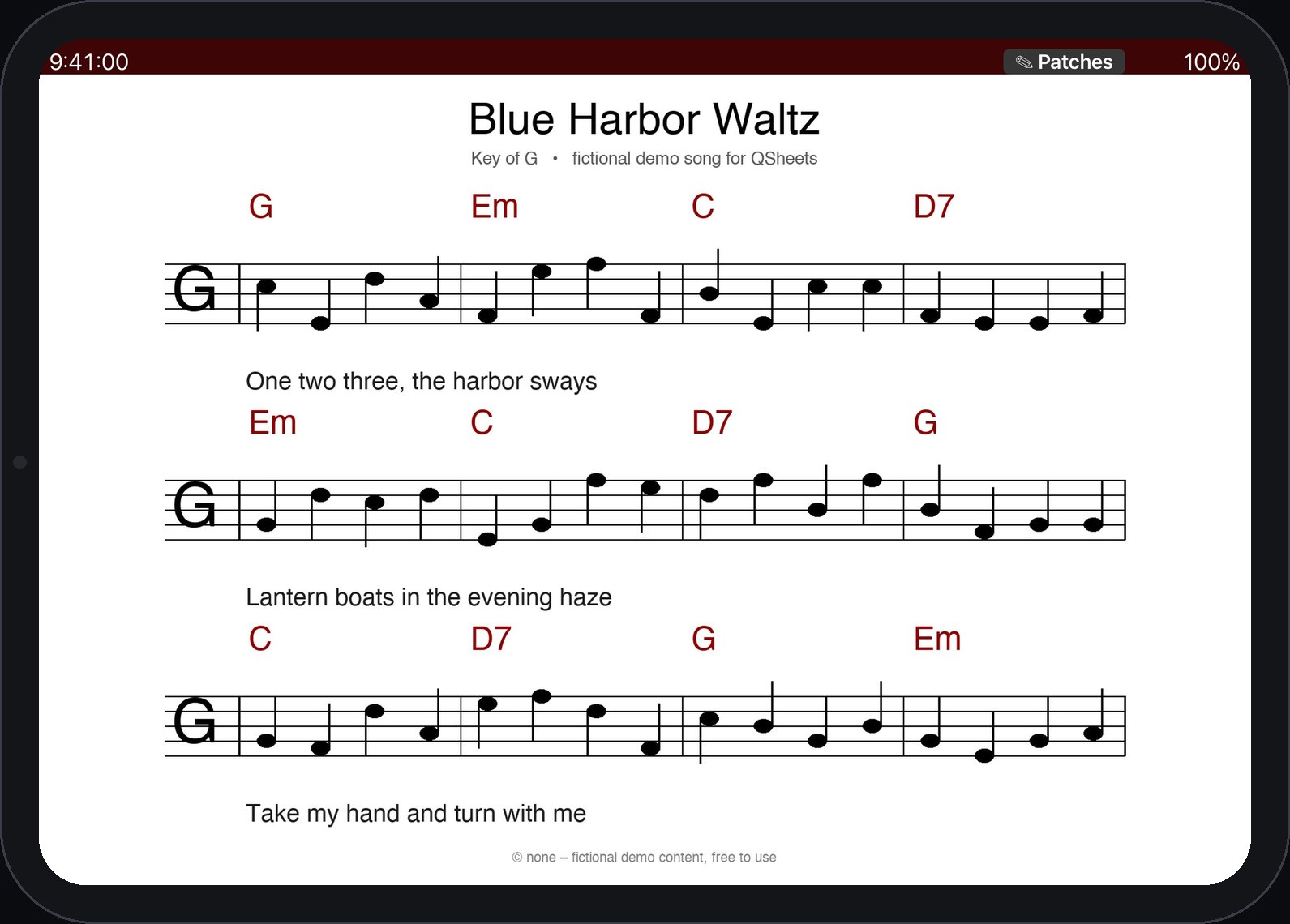
QSheets on the music stand opens the matching sheet as soon as Merik starts the song.
Guitar · Merik + QSheets on one iPad. Merik plays the MIDI and audio songs. QSheets, next to it in Split View, shows the guitarist's own hints and sends the right preset to the guitar processor over MIDI.Vocals · Merik Viewer. Lyrics, chords, section and beat. No setup, no trouble: it finds Merik on the Wi-Fi and just works.Keys · QSheets. Notes, sheet music and PDFs, and the right presets on the keyboards as soon as the sheet opens.
QSheets receives the title of the next song from Merik and looks for a matching sheet. If there is more than one, it asks which one you want, and remembers your choice for the next time. All songs in these pictures are invented demo songs.
Made for
Keyboard players, duos and small live acts
The one who runs the band
Backing tracks, click and setlist in one place, played to your own sound modules or as audio stems.
The rest of the band
Everyone reads the same song on their own screen. Nothing to install if a browser is enough.
On stage, not at a desk
Everything runs offline on your own network. One person can drive it all from the iPad.