Merik suite Merik Merik Studio Viewer QSheets
MemoryMate icon
MemoryMate · iPhone, iPad and Android · free

A calm calendar clock
for every day

The time, the day and the next appointments on one clear screen. Large text, strong contrast and nothing to get lost in. For seniors, people with dementia, children, and anyone who likes a quiet display.

Free, no ads, no account. The iPhone, iPad and Android versions look and work the same.

Looks

Your colors, your clock

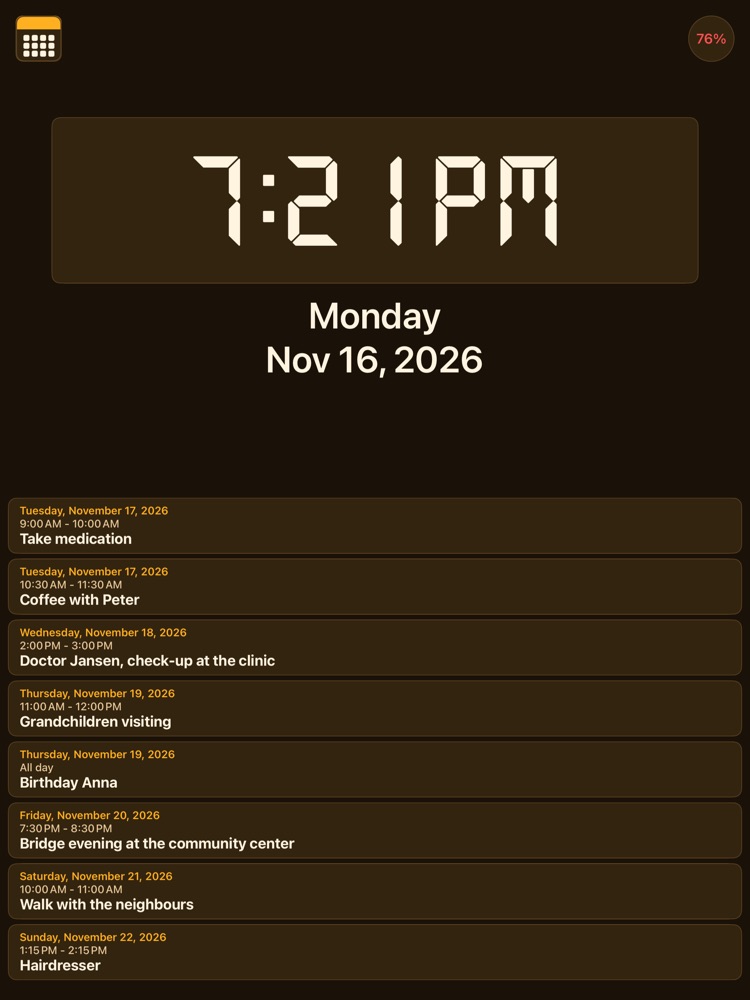
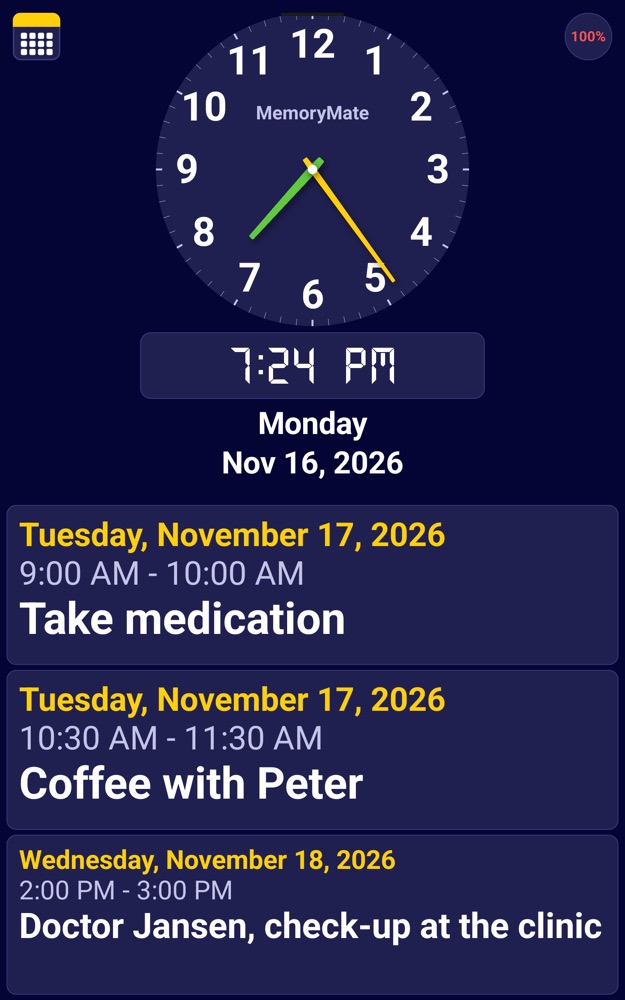
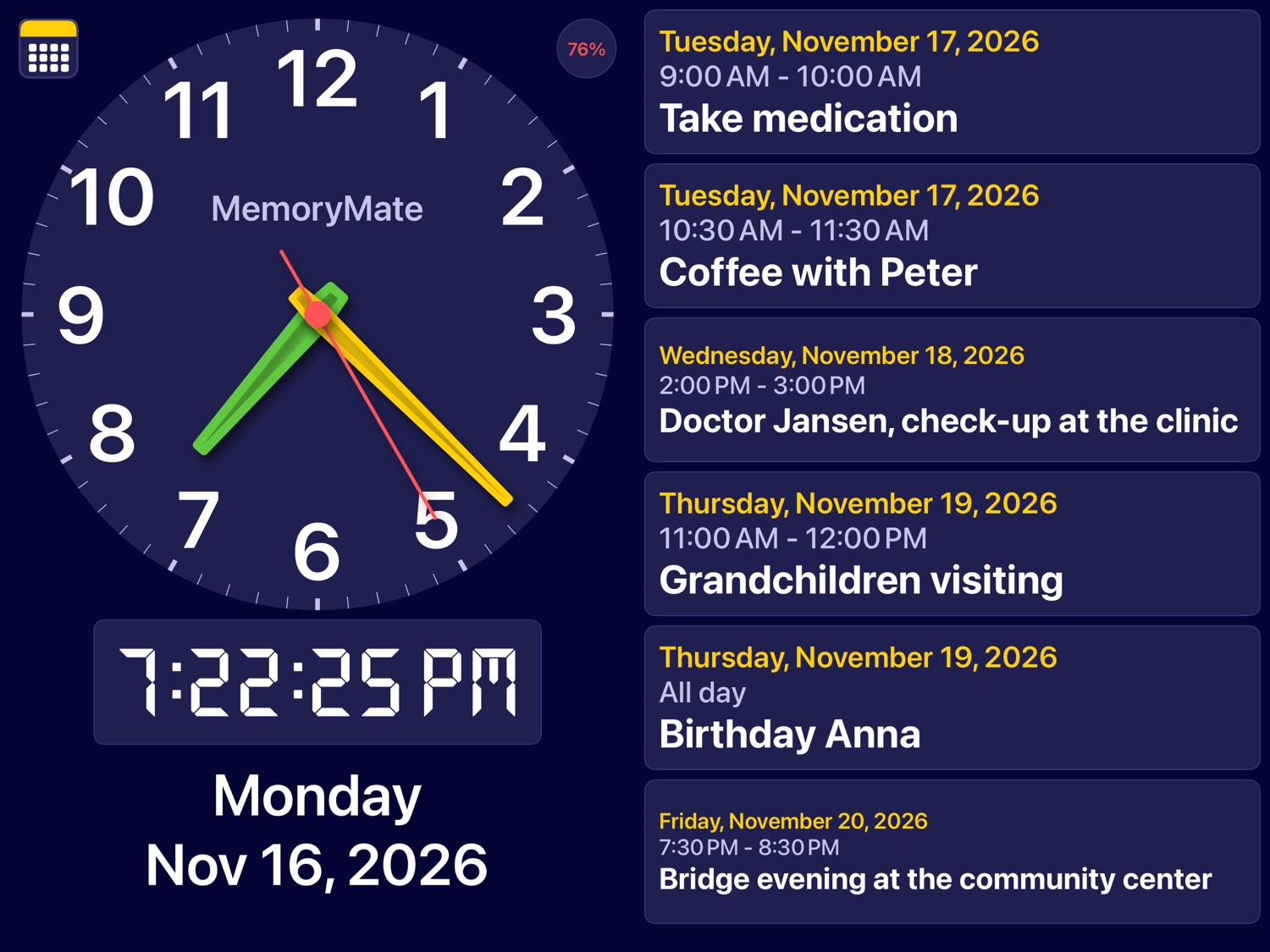
Five color styles, six analog clock faces, a digital clock with an LCD font, and anywhere from 3 to 10 appointments. Portrait and landscape, phone and tablet.

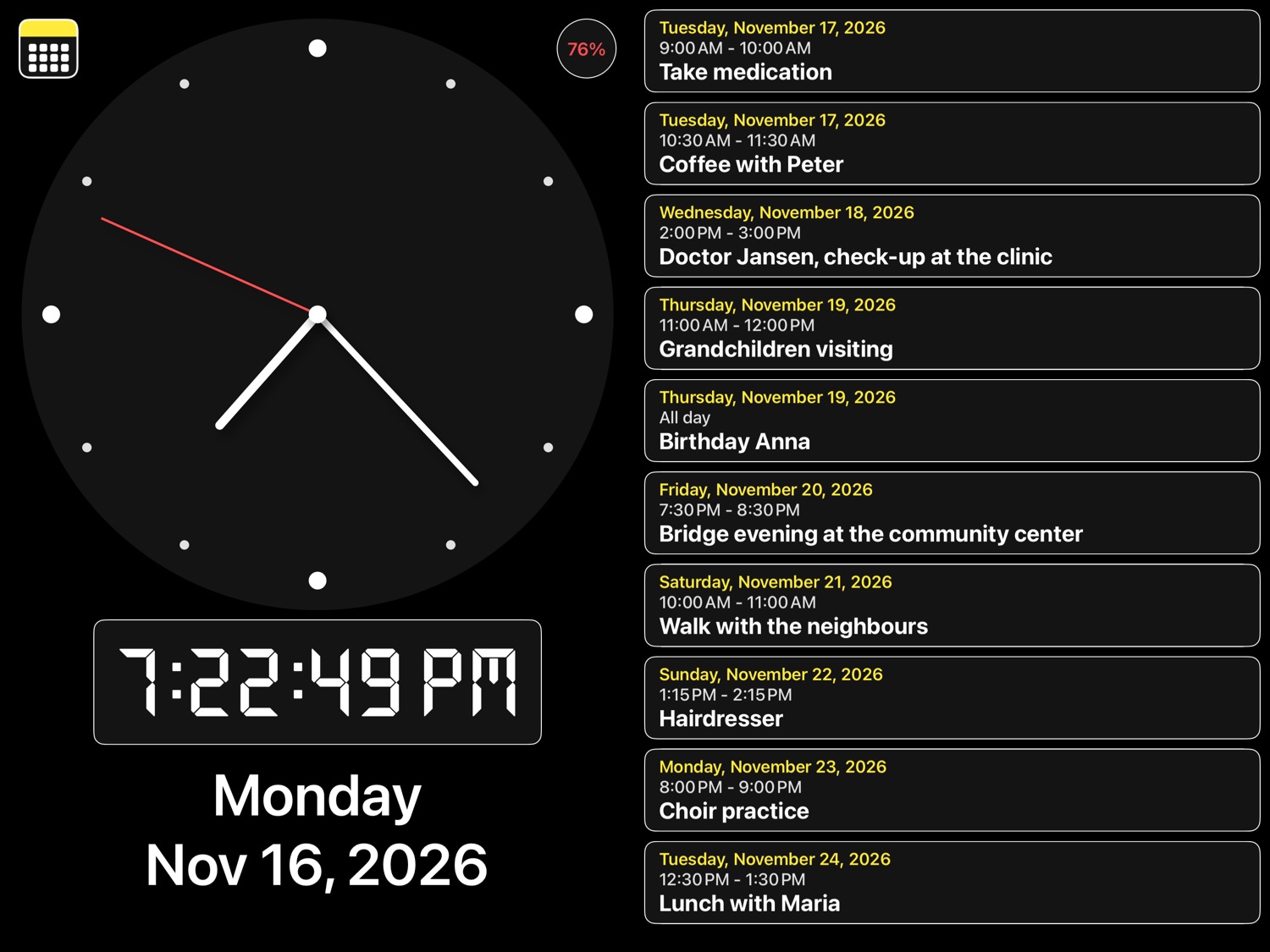
iPad, landscape: Midnight, Classic clock, six appointments
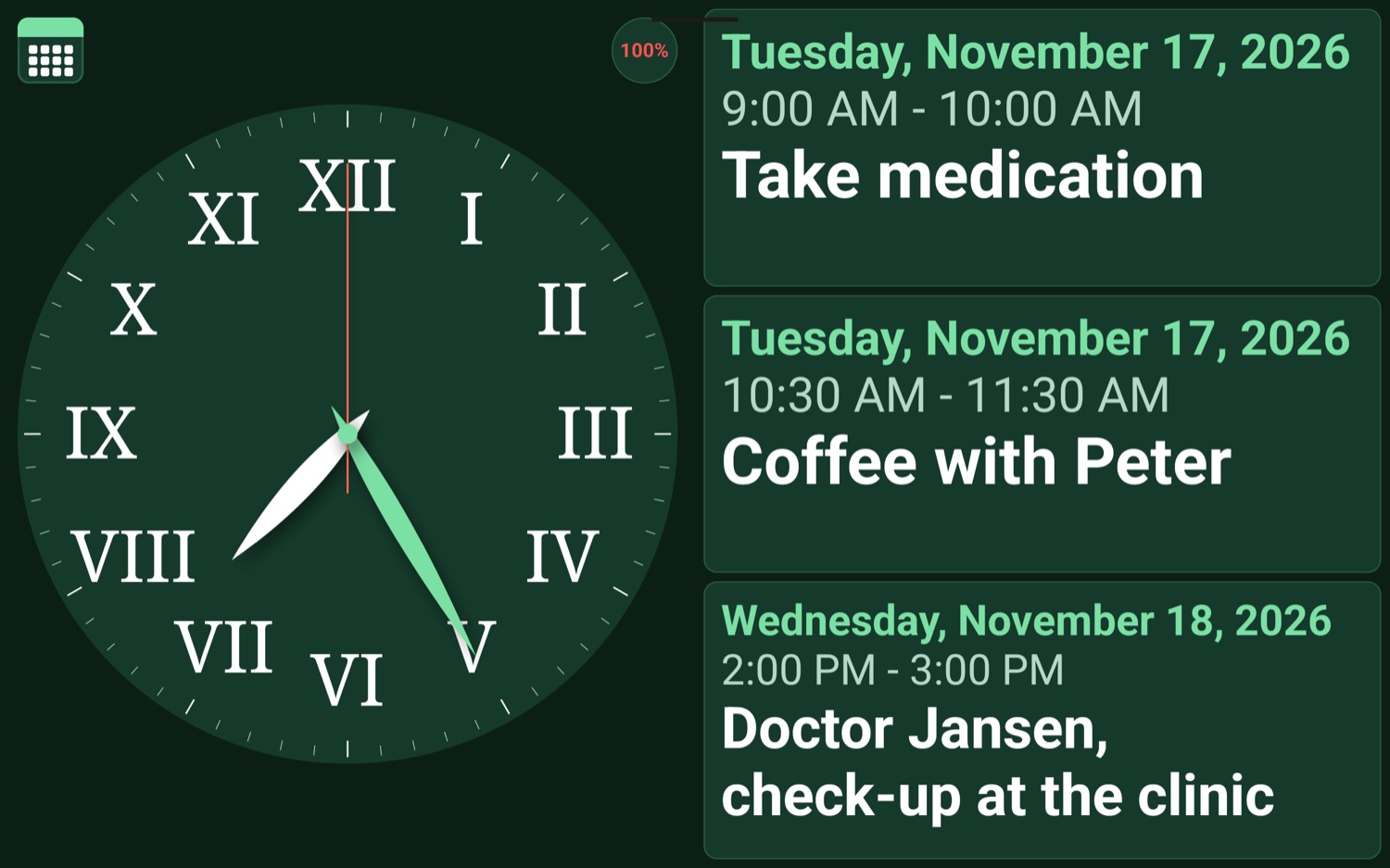
Android tablet, landscape: Forest, Romantic clock, three appointments
iPad, landscape: Contrast, Minimal clock, ten appointments
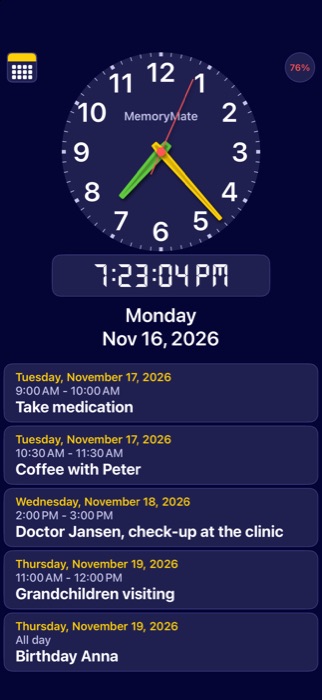
iPhone: Midnight, Classic
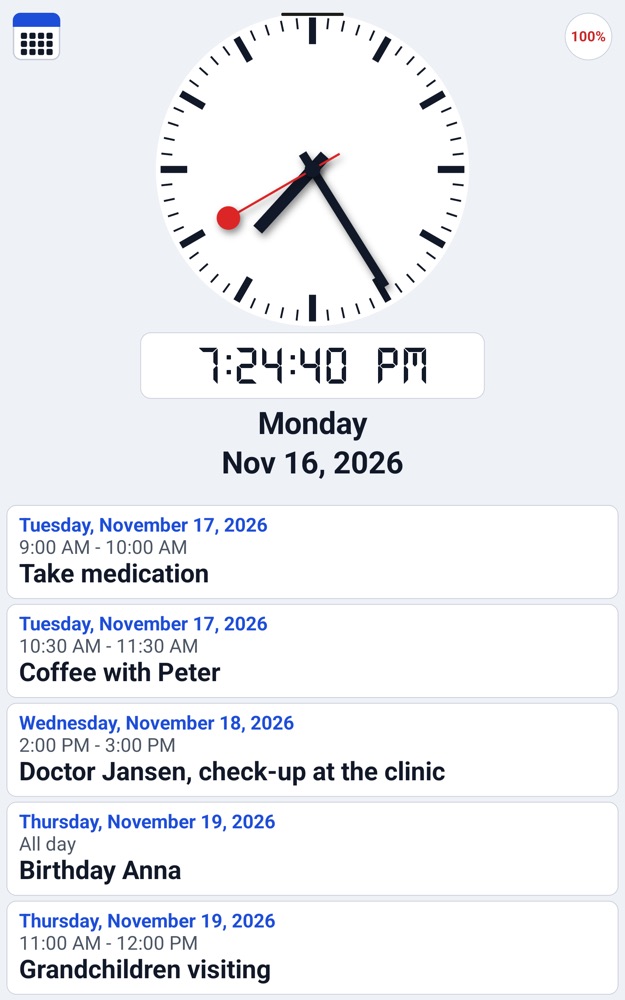
Android tablet, portrait: Daylight, Railway
iPad, portrait: Amber, digital clock, eight appointments
Android tablet, portrait: Midnight, Slim, three appointments

Screenshots of the iPad, iPhone and an Android tablet. All appointments in these pictures are invented.

In daily life

On the table, in the hands

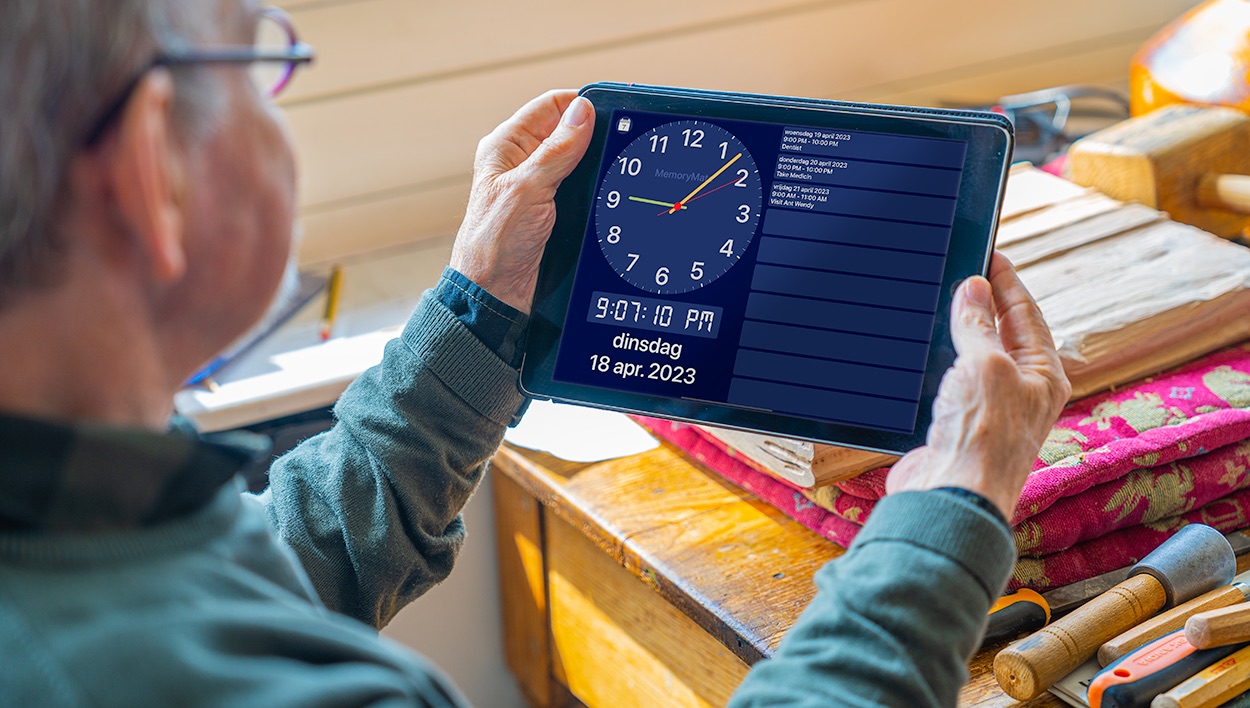
MemoryMate on an iPad at home: a glance at the clock and the day's appointments, without touching anything.

An older man holding an iPad that shows MemoryMate: a clock and the appointments of the day
Reading the day's appointments
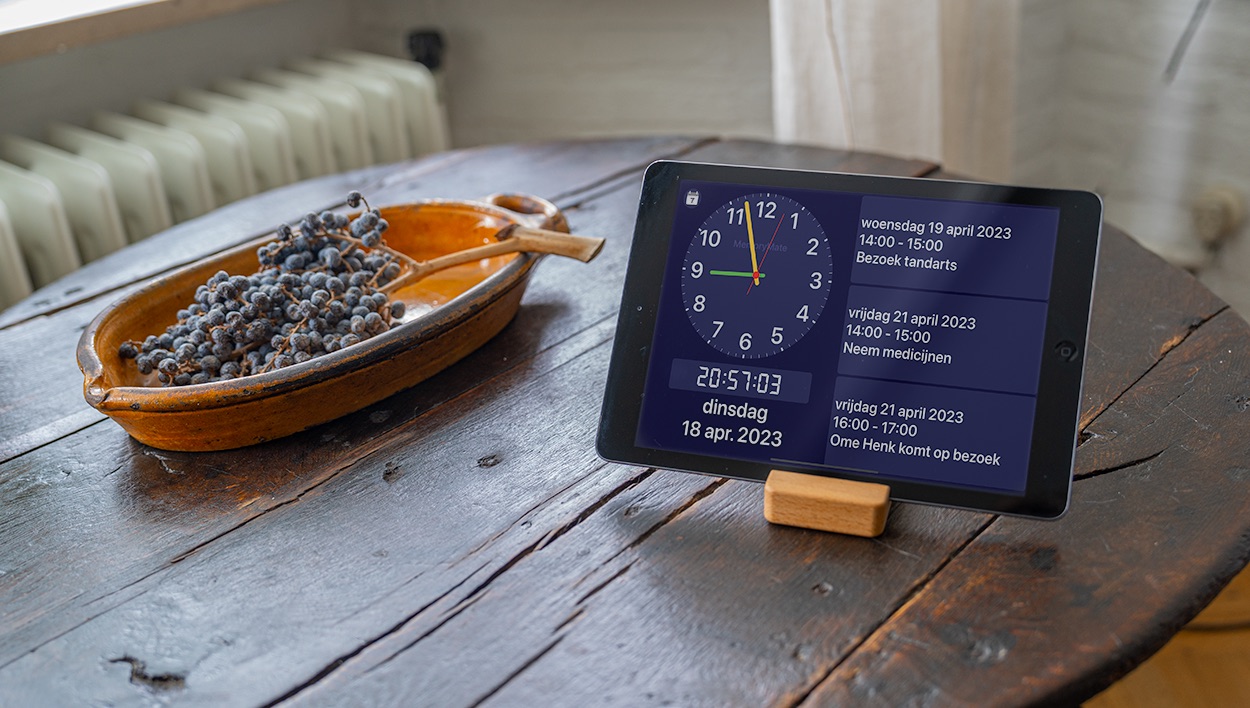
An iPad on a wooden stand on a table, showing MemoryMate with a clock and three appointments
As a table clock on a stand
What it does

Everything you need, nothing you don't

Analog and digital clock

Show both, only the analog clock or only the digital one. Choose from Classic, Slim, Railway, Romantic, Minimal and Modern. Seconds can be switched on or off for each clock.

Your calendar

Pick any calendar on the device: iCloud, Google, Outlook or a shared family calendar. The next appointments show the date, the time and the title in large, readable blocks.

Five color styles

Midnight, Daylight, Forest, Amber and Contrast, all with strong text contrast. Event text size from 50% to 140%.

A table clock

While charging, the screen stays on, so a spare tablet or phone becomes a bedside or kitchen clock. The battery level is always shown in red in the corner.

Settings out of the way

Hold the calendar icon for 2 seconds to open the settings. A short tap only shows a hint, so nothing changes by accident.

Private by design

MemoryMate only reads the calendar on your device and sends nothing anywhere. No account, no ads, no tracking. Privacy

Get started

Ready in four steps

Install

Get MemoryMate from the App Store or Google Play.

Allow the calendar

MemoryMate only reads your calendar, it never changes it.

Hold the icon

Hold the calendar icon top left for 2 seconds, then choose the calendar to show.

Make it yours

Pick colors, clock style and how many appointments to show. Plug it in and leave it on the table.

Requirements

iPhone, iPad and Android

iOS and iPadOS: see the App Store page for the supported versions. Android 8.0 or later, phones and tablets. A calendar on the device is needed (Google, iCloud, Outlook or any other).

Support

Questions or ideas?

Mail erik.nouveaupays@gmail.com. MemoryMate is free and built in spare time. If you find it useful you can buy me a coffee.