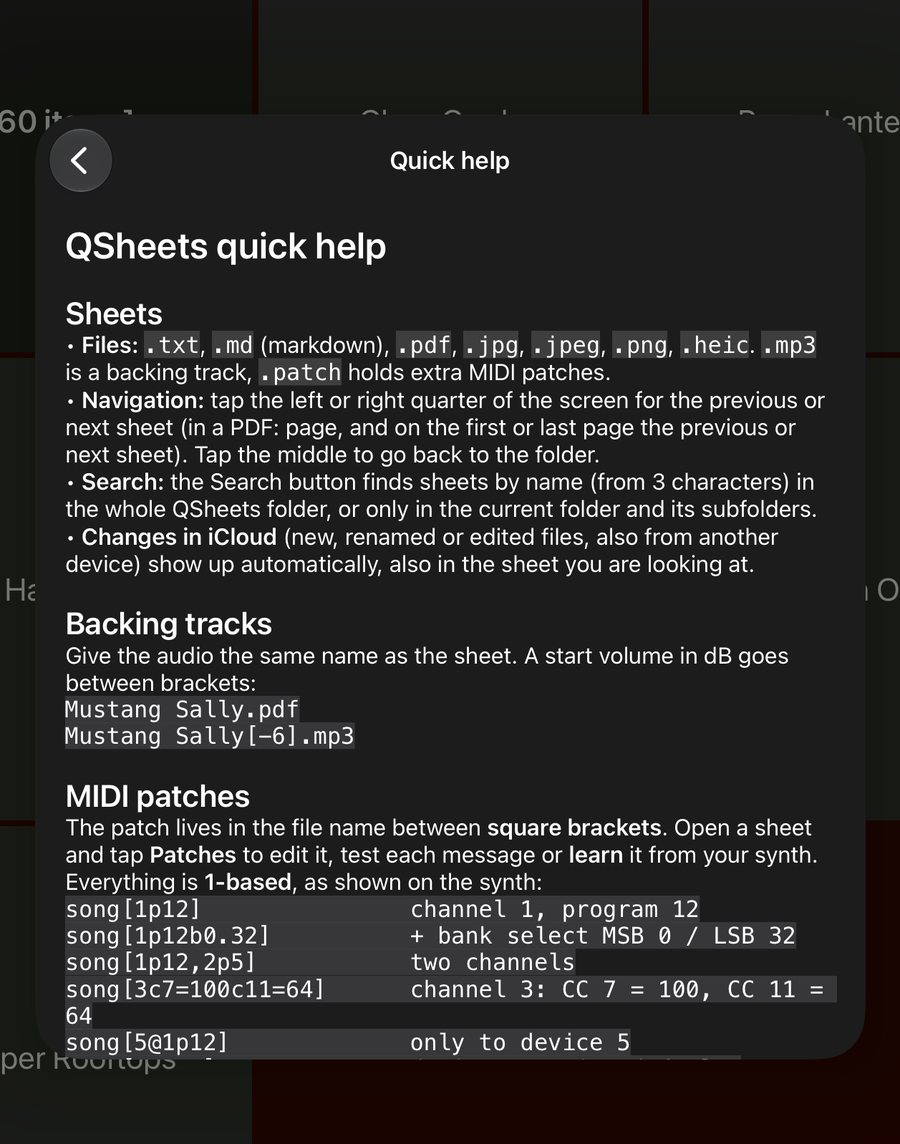
MIDI devices
- Up to 16 numbered devices: pick the MIDI port, give it a name and optionally a default channel.
- Stored in iCloud (
QSheets-devices.json), so all your iPads share the same list. - Use the number in a patch:
[5@1p12]goes to device 5 only.
Settings and themes
Tap ☰ at the top of the folder view:
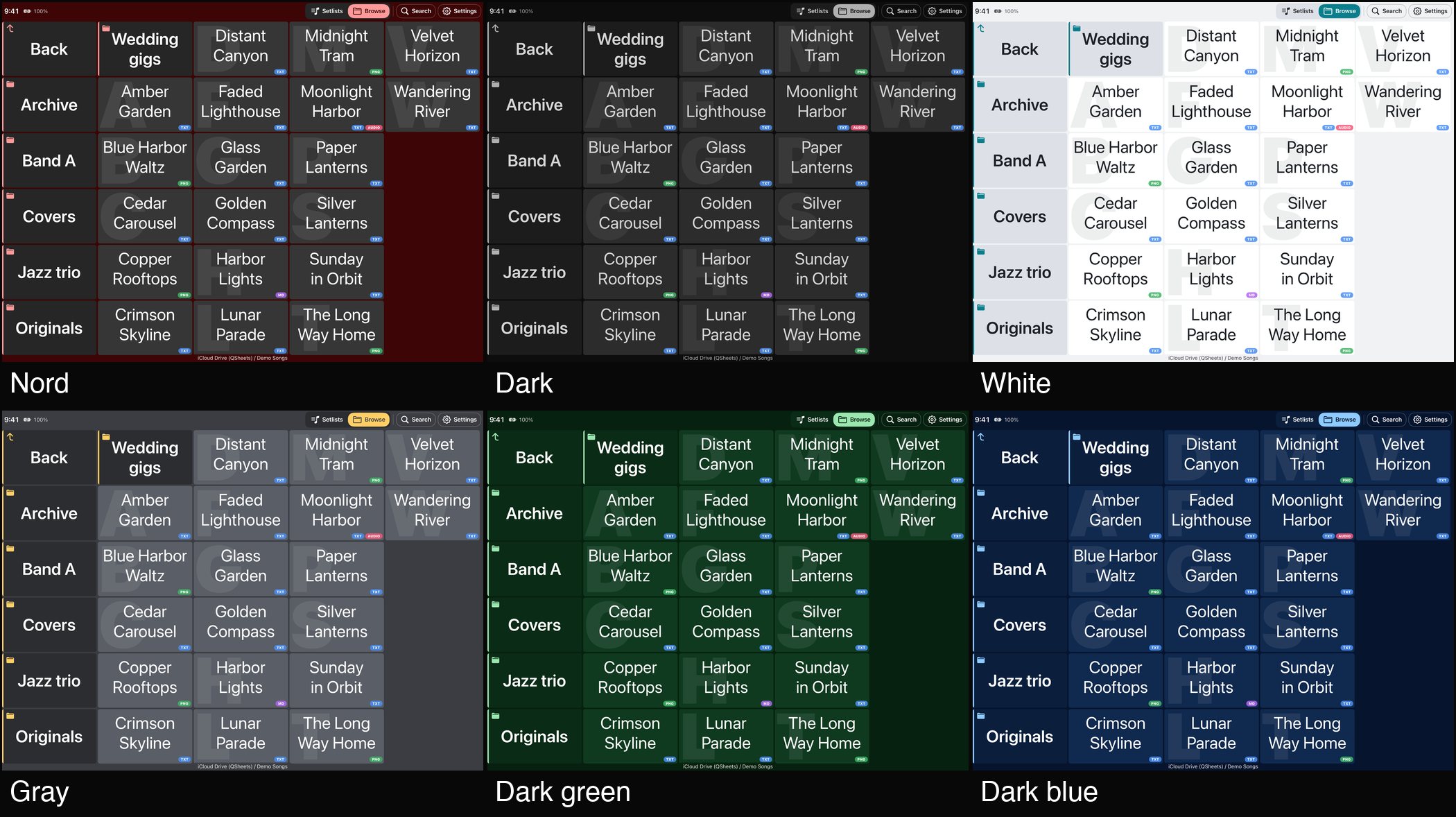
- Columns: the number of columns in the folder view, 1 to 6 (default 5 on iPad, 2 on iPhone).
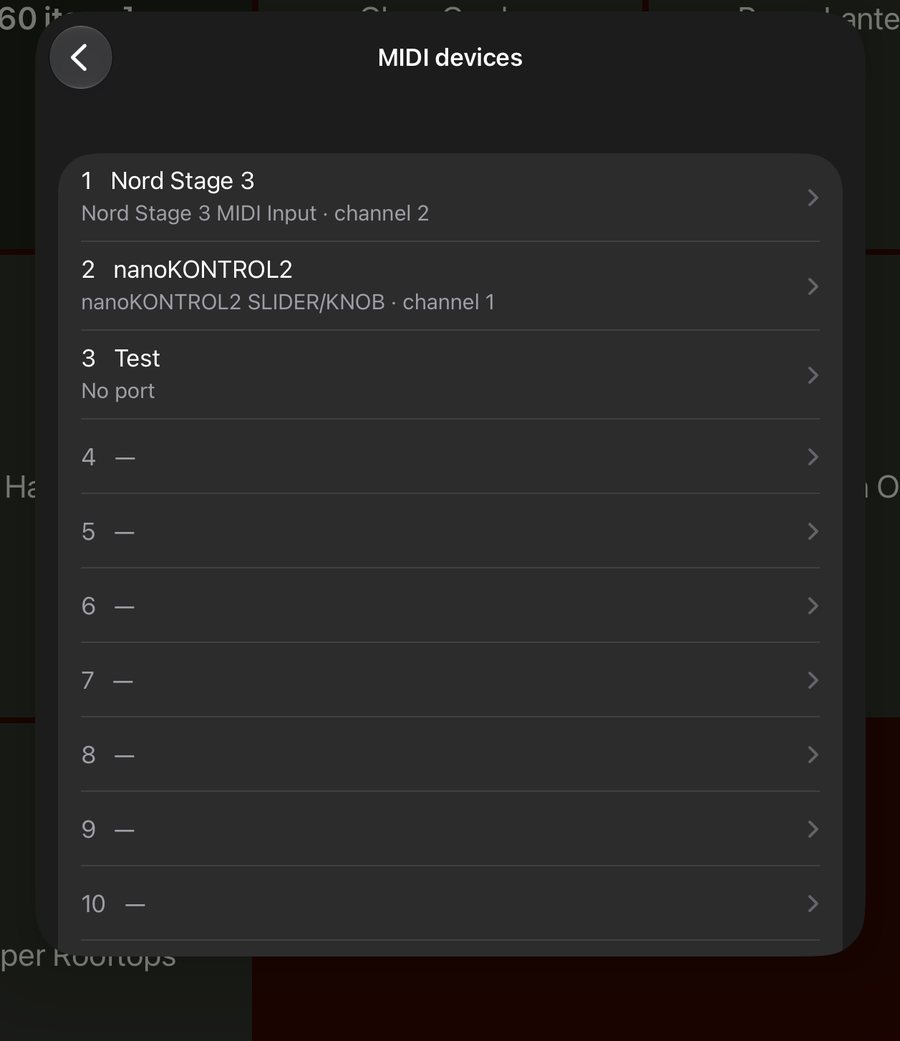
- Theme: Nord, Dark, White, Gray, Dark green or Dark blue.
- Invert .txt and .md sheets (light on dark): how
.txtand.mdsheets are drawn. - Show MIDI data in status bar: shows incoming MIDI messages at the top of the screen.
- MIDI devices: the numbered device list (see MIDI).
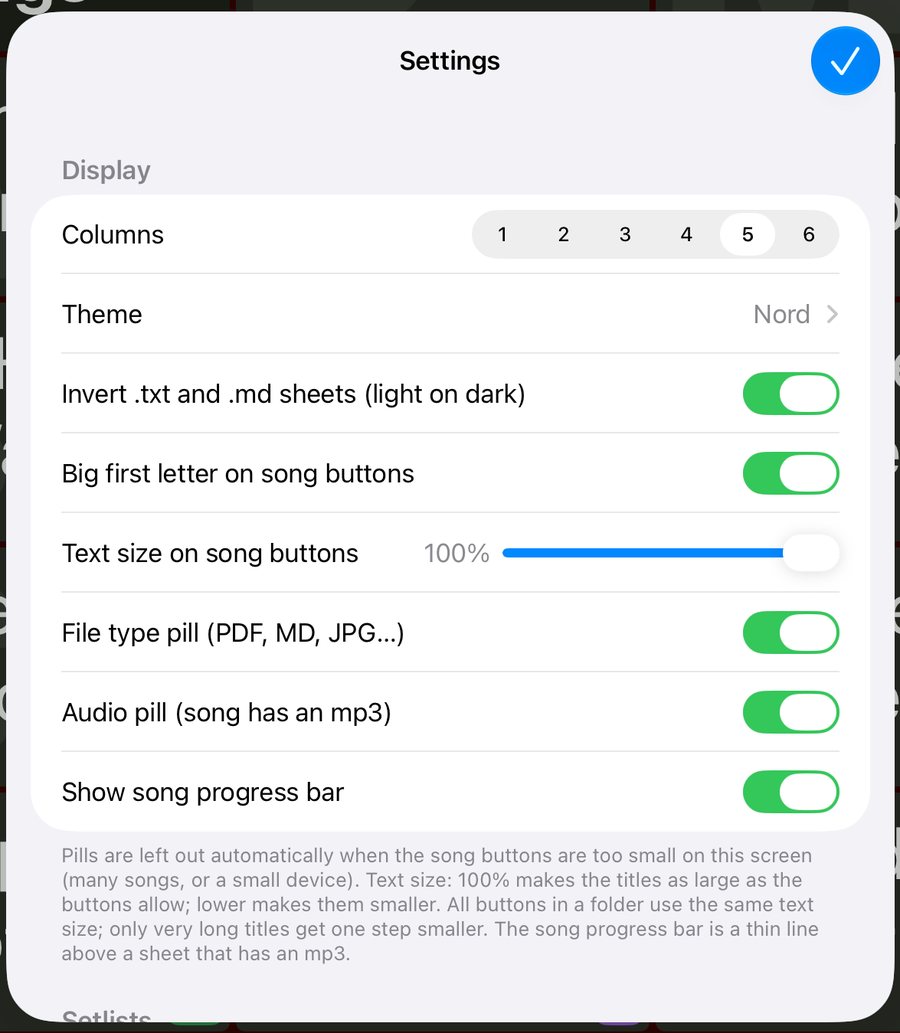
- Quick help: the file name reference, inside the app.
- About: version and build number, and links to the App Store and this website.
- Setlists: edit setlists directly, or only after pressing Edit.
- iCloud: keep all songs downloaded for offline use (on by default).
Quick help in the app
The whole reference is also in the app: ☰ → Quick help.